Every channel, one screen.
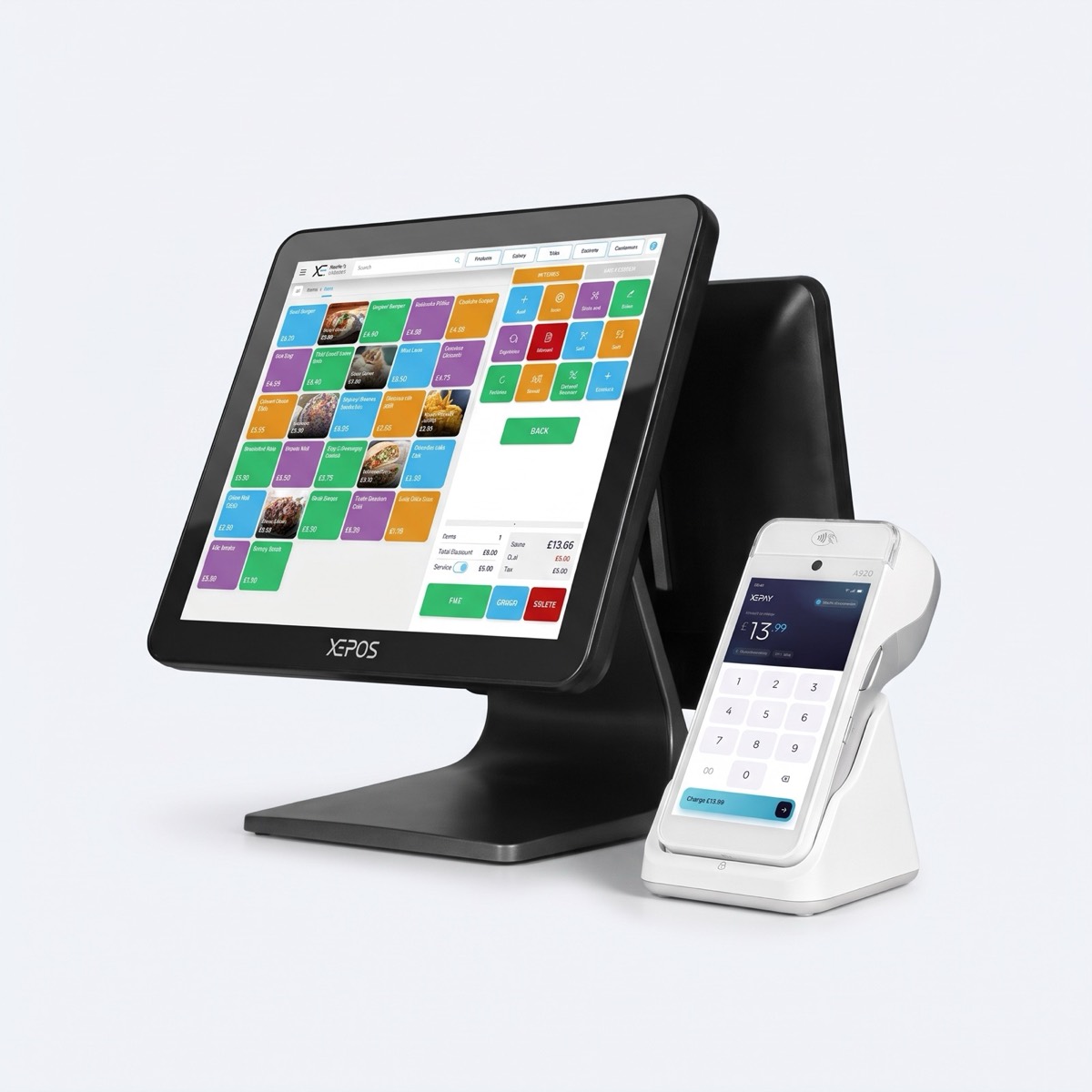
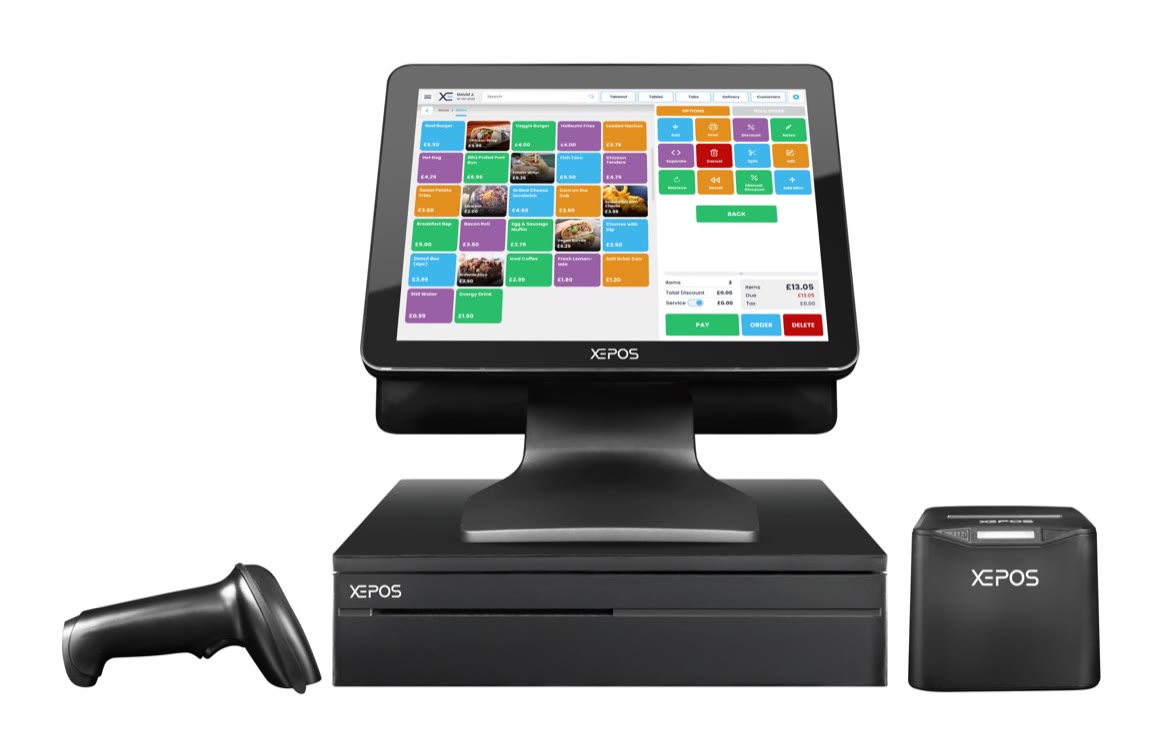
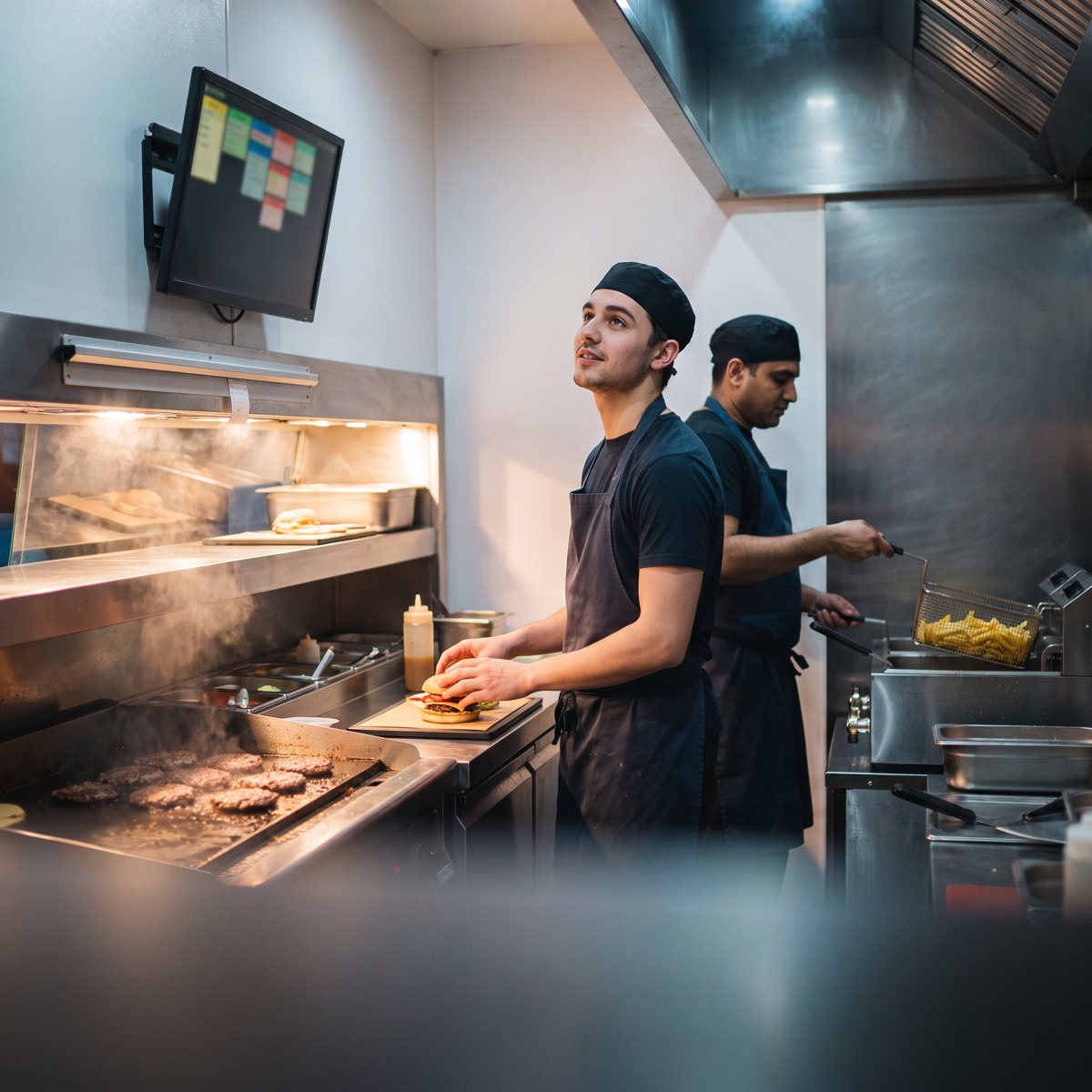
Counter, table, phone, online and delivery-app orders arrive in sequence on the same screen, so the kitchen works from one list.
- Till and waiter app
- XEEats online orders
- Delivery app orders
- Clear, large tickets

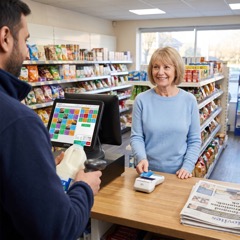 Retail21 business types
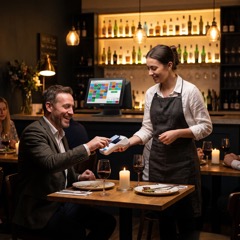 Hospitality7 business types
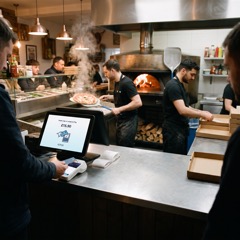 Takeaway9 business types
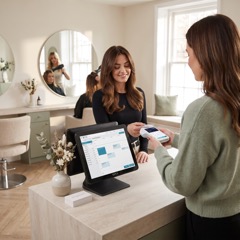 Health and beauty8 business types
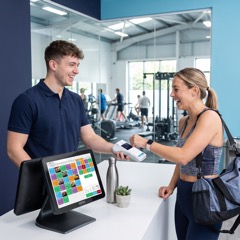 Leisure6 business types
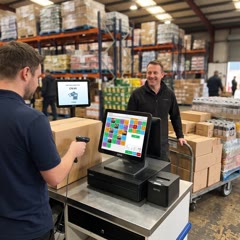 Wholesale4 business types
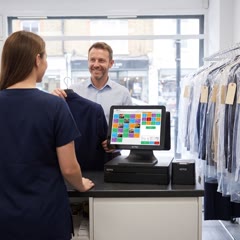 Dry cleaning4 business types
 Pharmacy3 business types
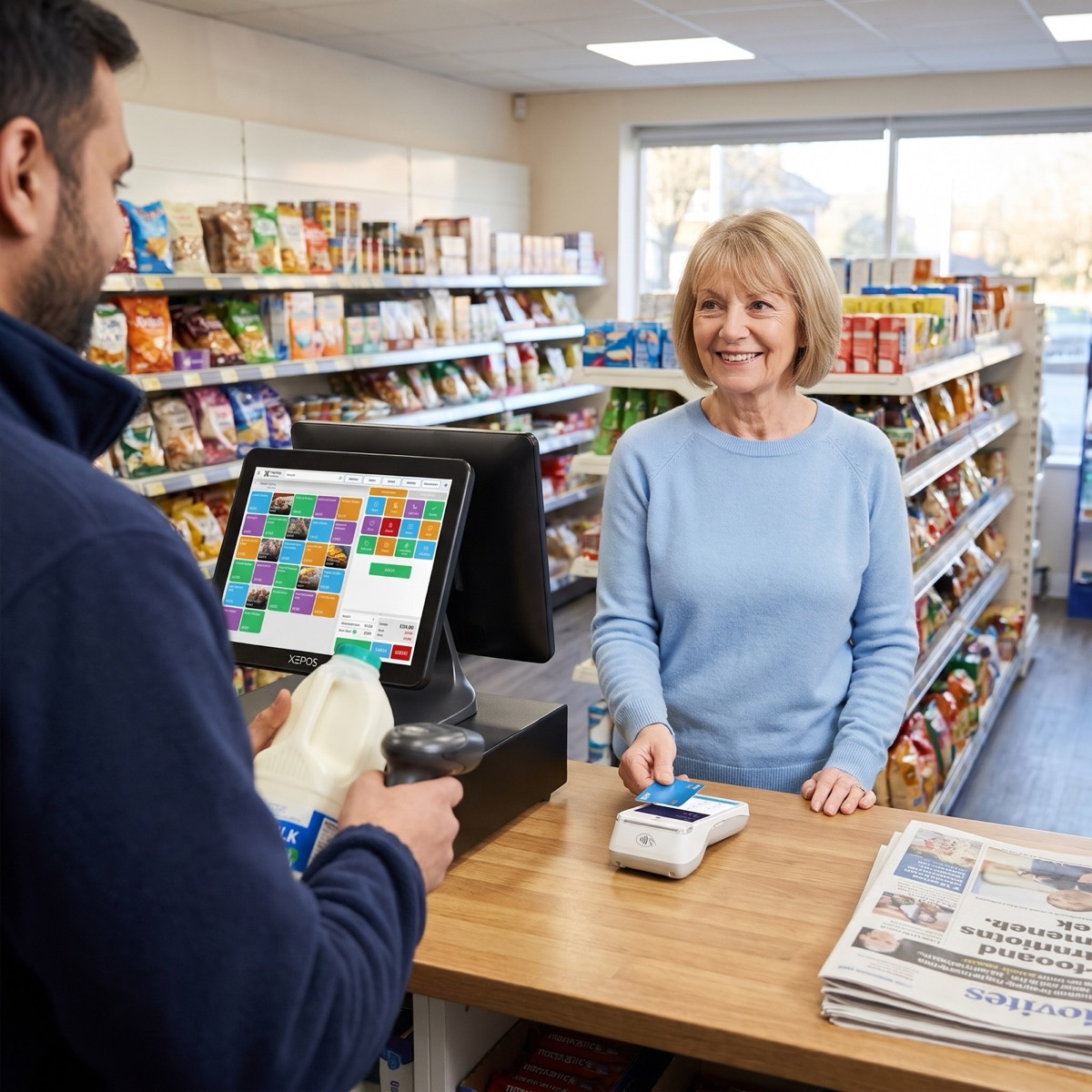 Retail
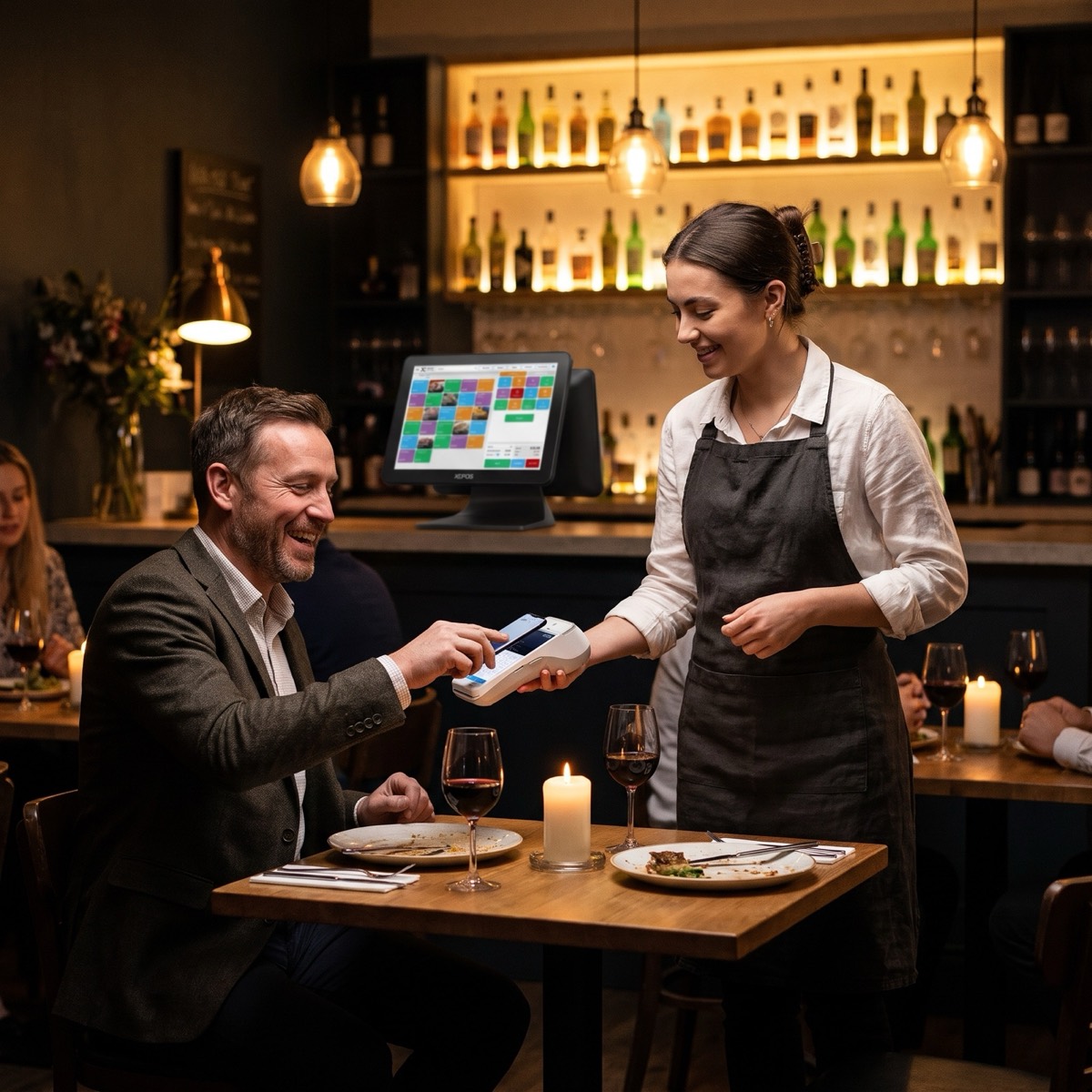 Hospitality
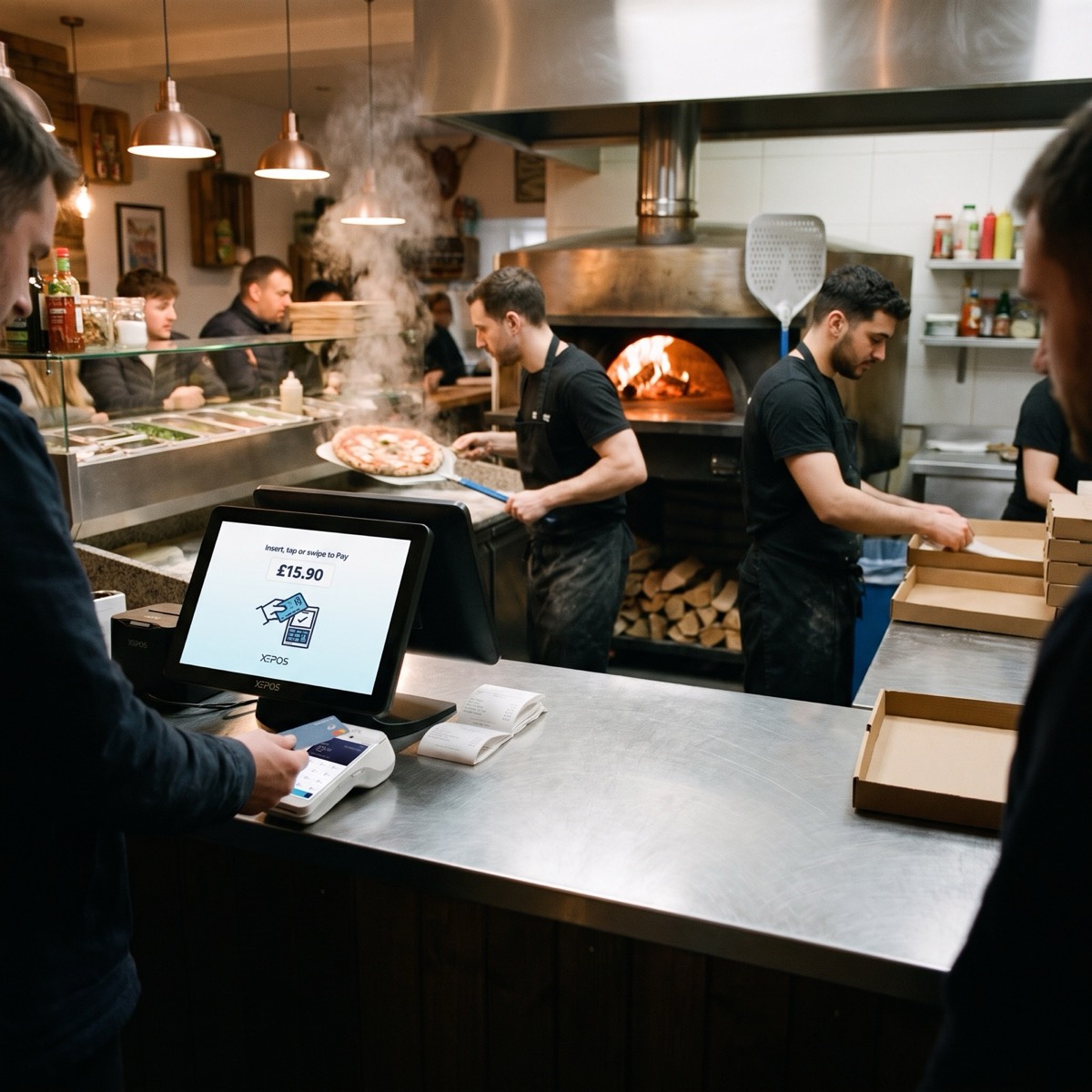 Takeaway
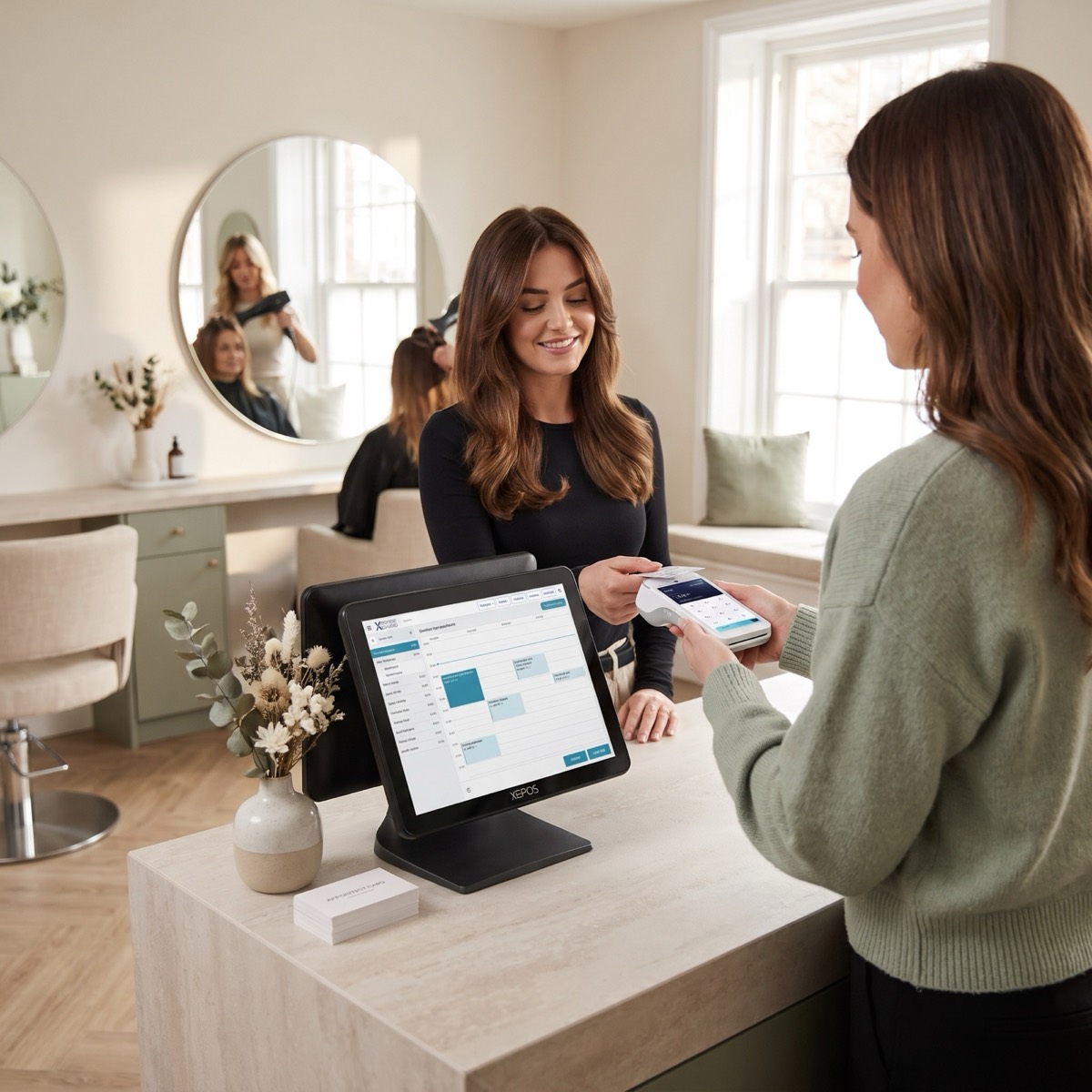 Health and beauty
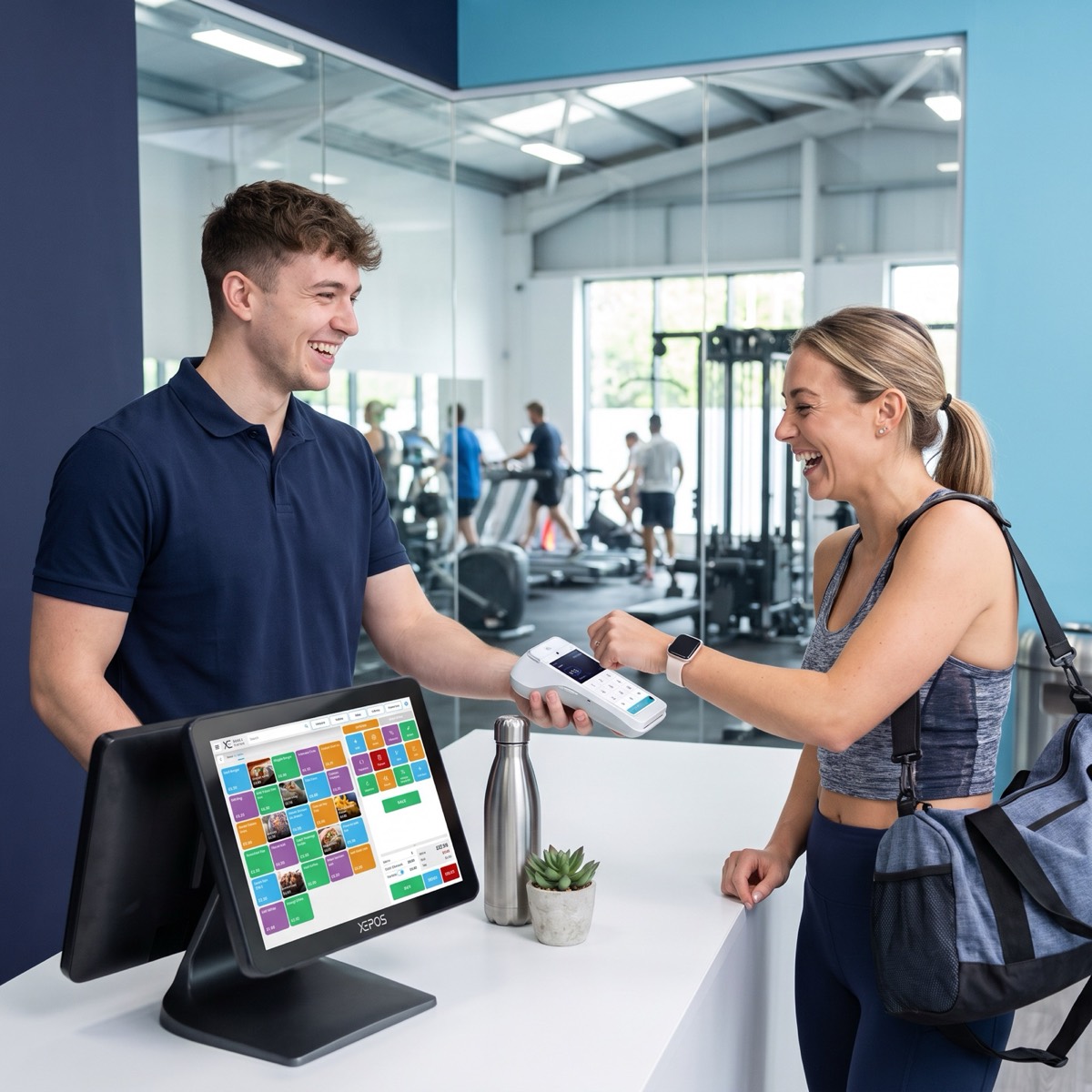 Leisure
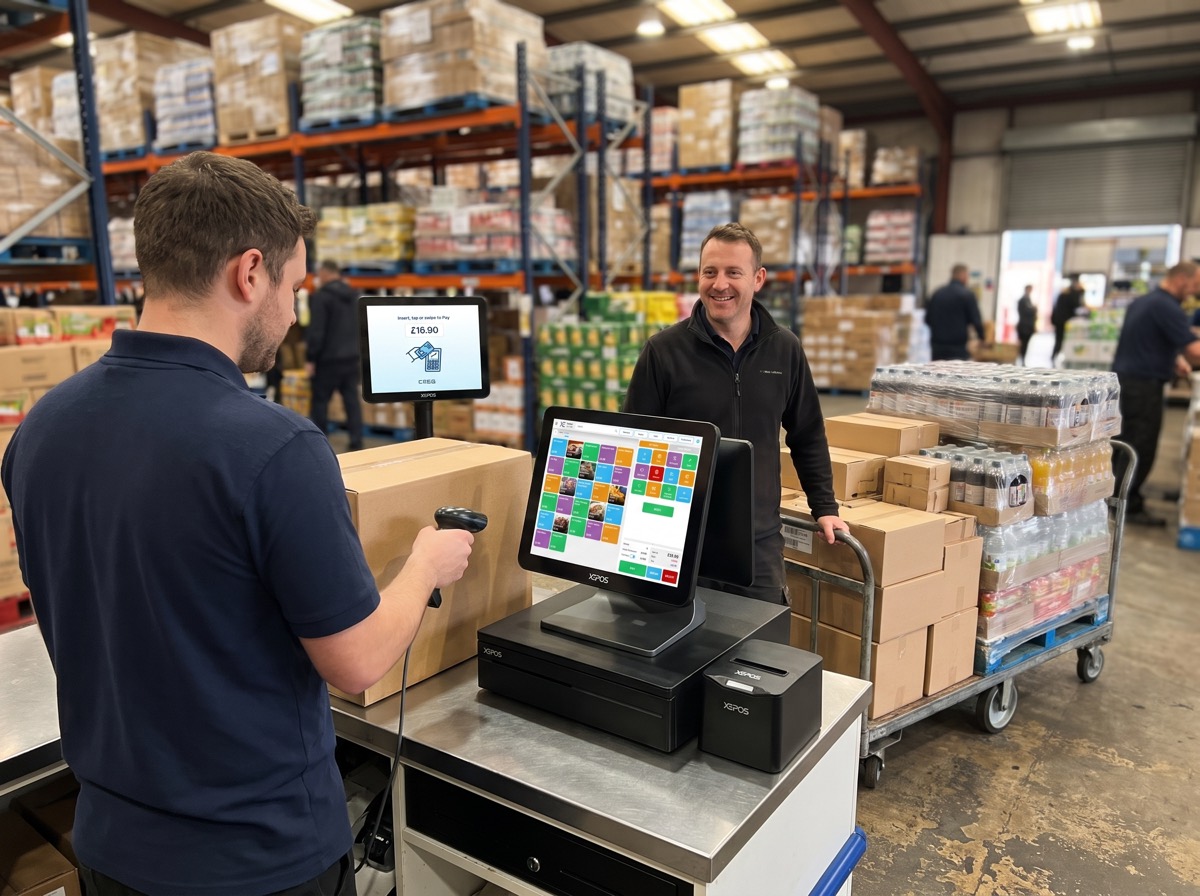 Wholesale
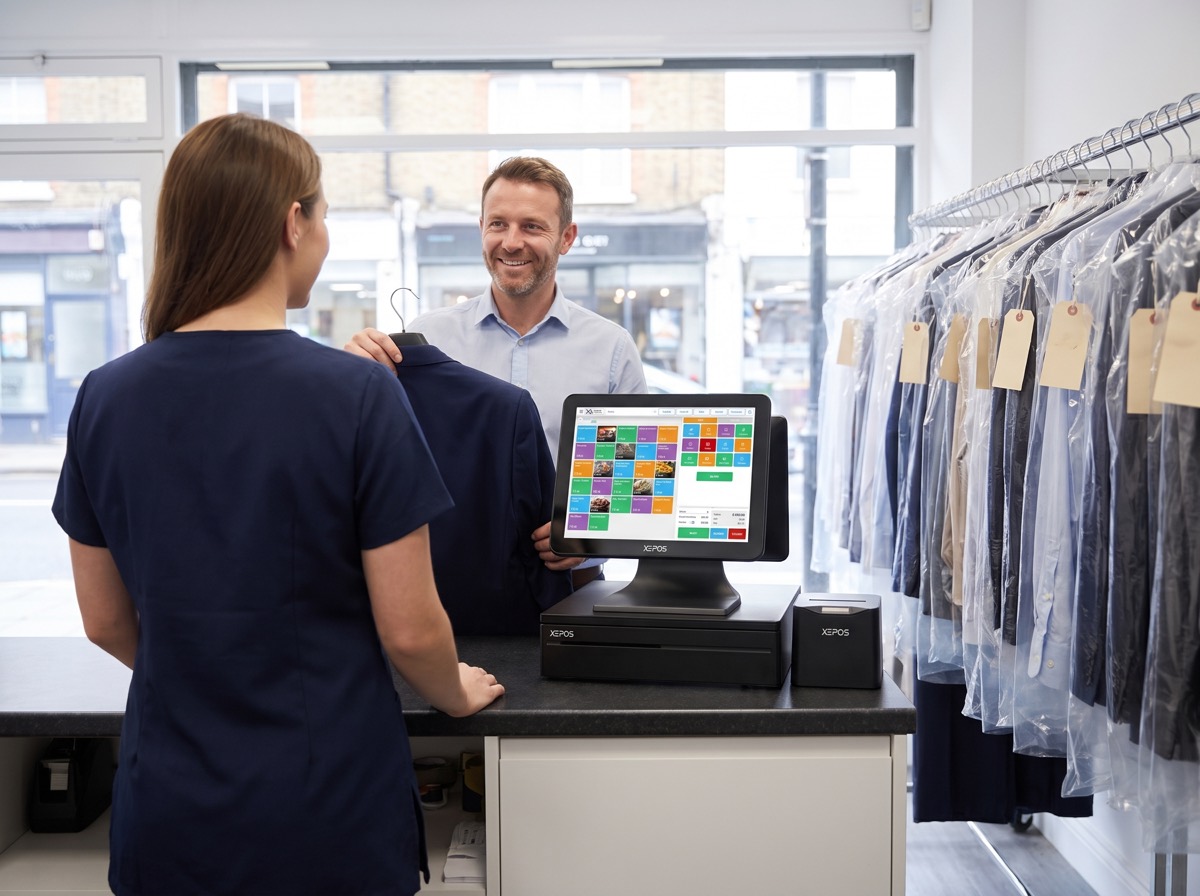 Dry cleaning
51+ business types, and growing. Can't see yours? We probably already work with someone like you.
 New
Not sure what you need?
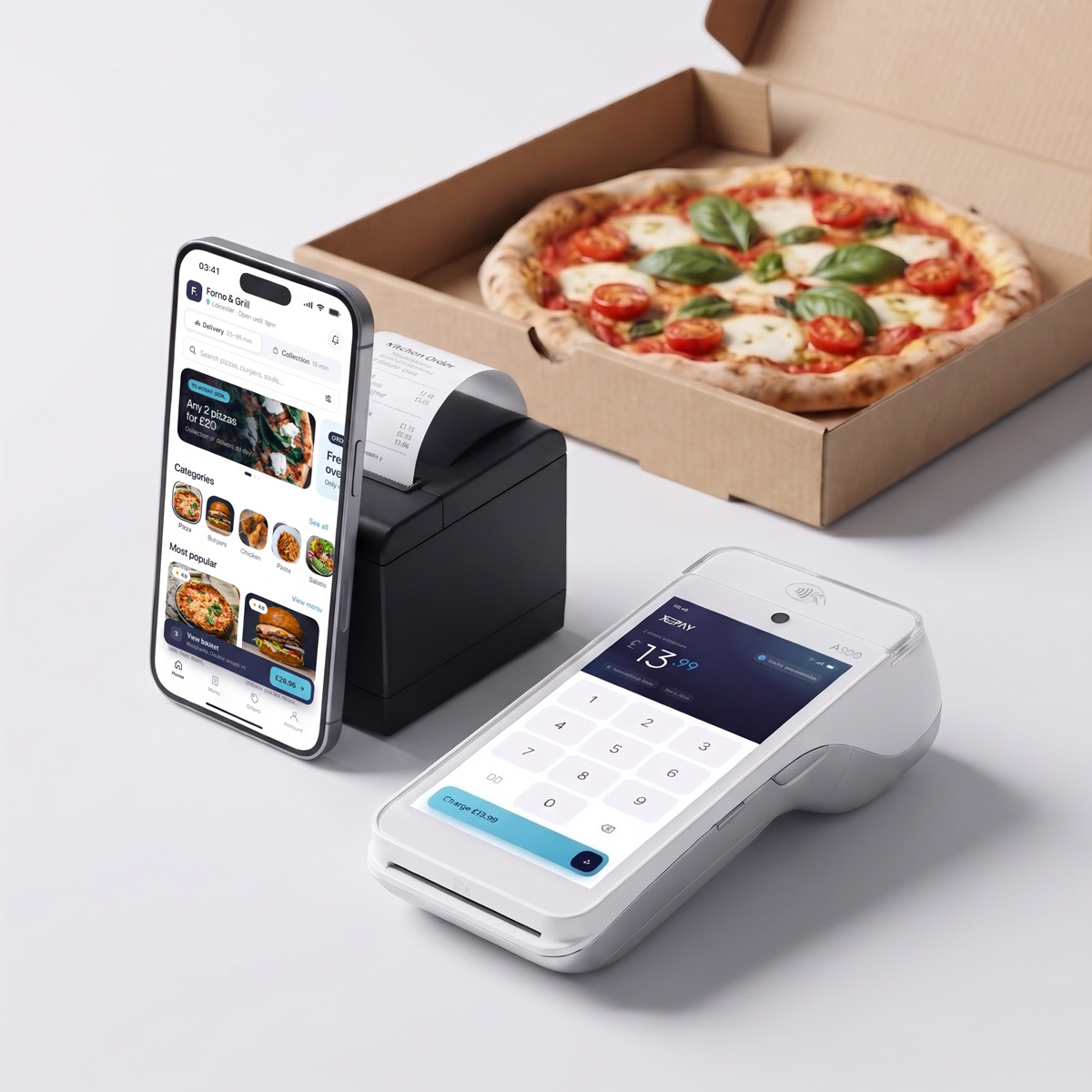
Orders from the till, the waiter app, XEEats and the delivery apps all land on one kitchen screen, with live timers so nothing goes out late.
Priced with your quote. Add it to any Xepos plan.
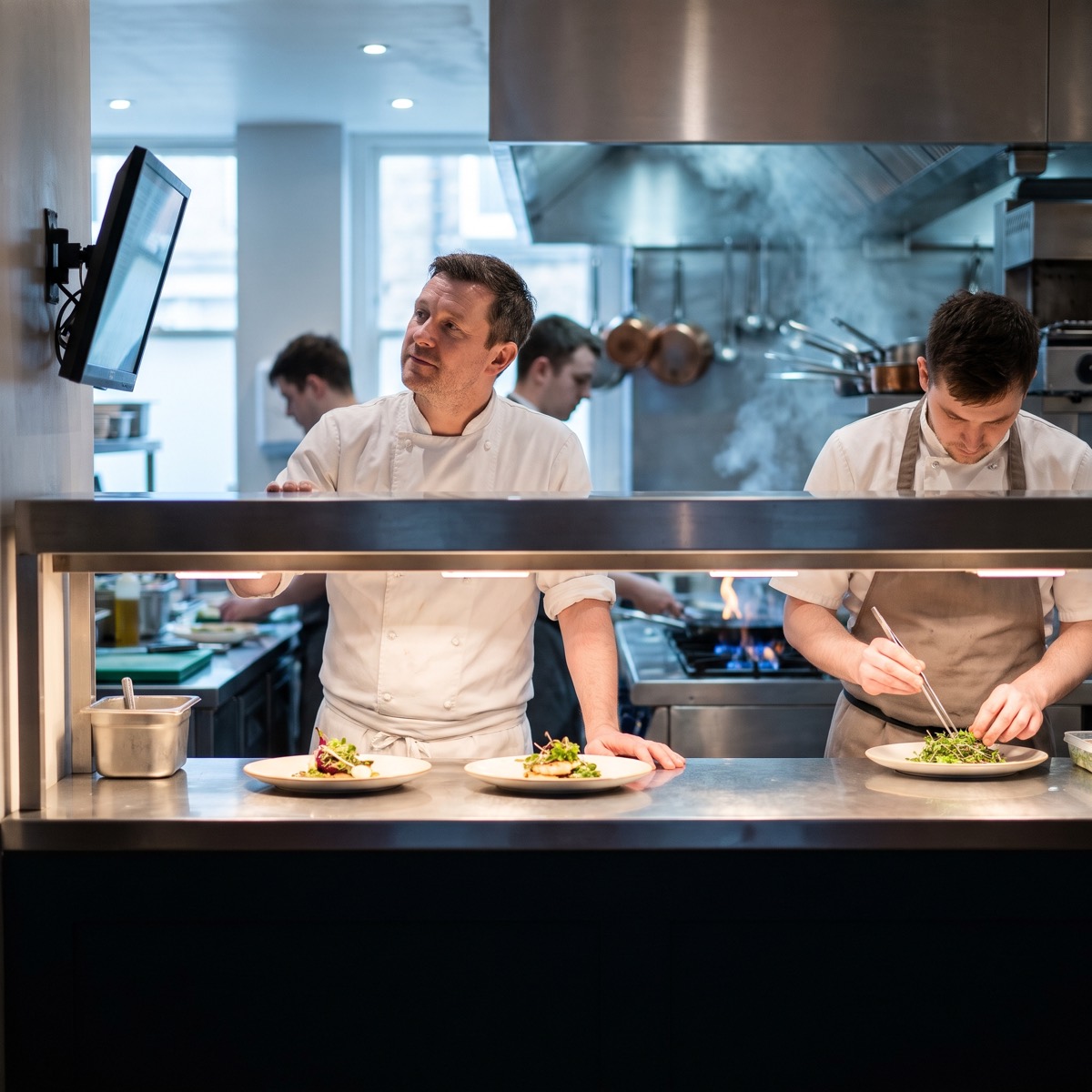
Counter, table, phone, online and delivery-app orders arrive in sequence on the same screen, so the kitchen works from one list.
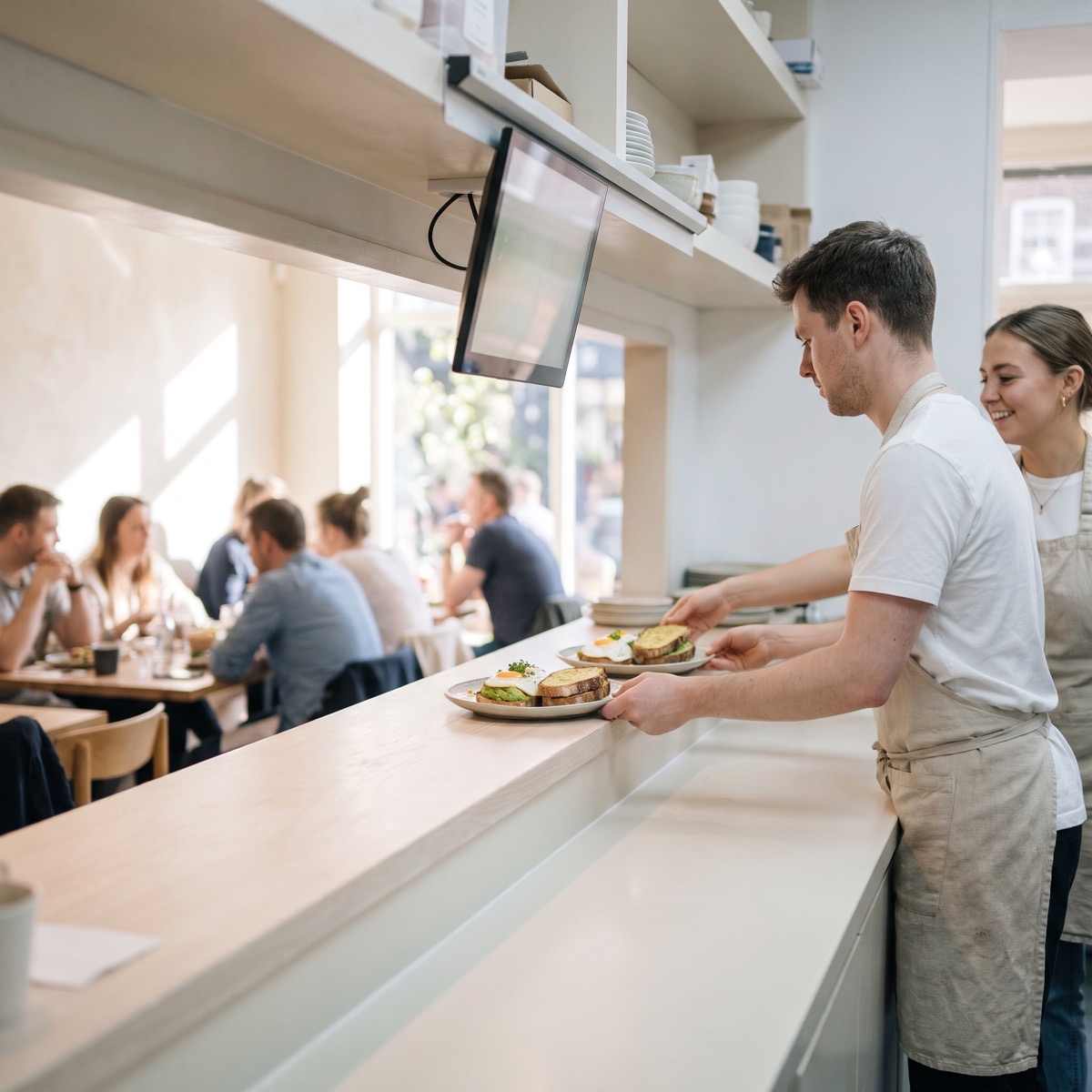
Each order shows how long it's been waiting and changes colour as it ages, so the pass can see what needs chasing.
Route items to the grill, fryer, pizza oven or bar, so each station only sees what it needs to make.
Easy to read from across the kitchen.
Allergy notes stand out on every ticket.
See how long orders take, by hour and station.
Hold mains until the table is ready.
Online orders arrive with the rest.
Cut the till roll and the lost tickets.
Staff see when an order's ready.
Keeps showing orders if the internet drops.
Orders from the till, the waiter app, XEEats and the delivery apps, all in one queue.
Yes. Use a screen per station, such as the grill, fryer or bar, and route items to the right one.
Yes. You can use screens, printers or both.
The kitchen display is priced with your quote, based on how many screens you need.
A free 20-minute demo. You'll leave with your exact monthly price.
Or call sales0345 0345 930
UK team online now · replies in minutes
Open 8am to 10pm, seven days a week