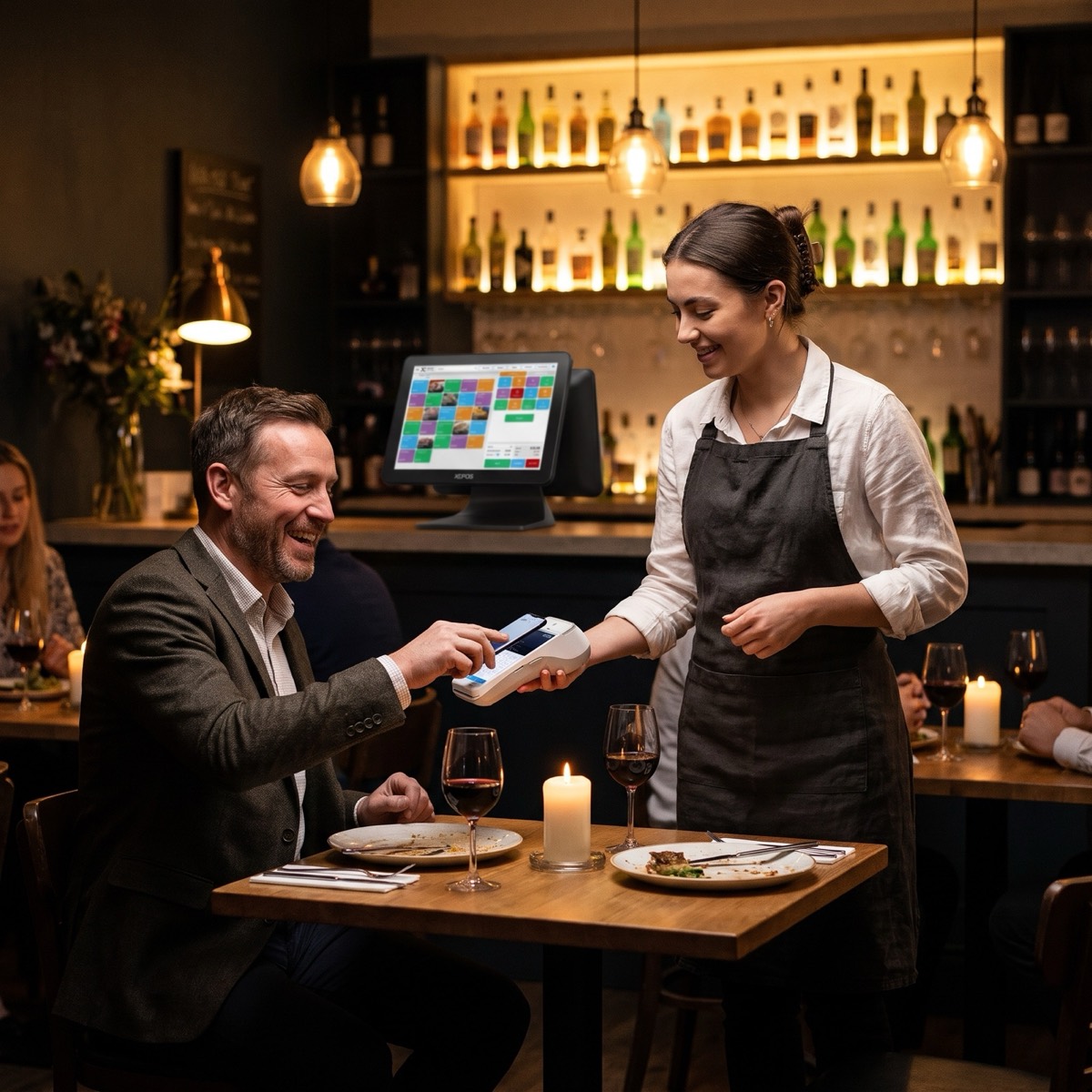
Seats, courses and notes, at the table.
Staff tap in the order where the guest is sitting, with seats, courses, modifiers and allergy notes, then send it in one go.
- Seats and courses
- Modifiers and notes
- Allergen flags
- Table plan

 Retail21 business types
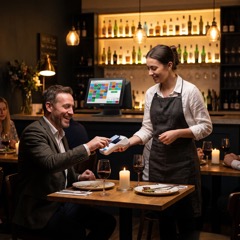 Hospitality7 business types
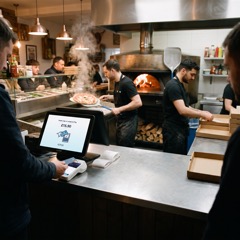 Takeaway9 business types
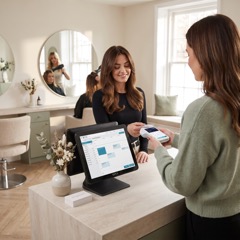 Health and beauty8 business types
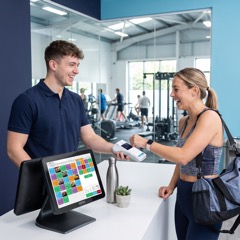 Leisure6 business types
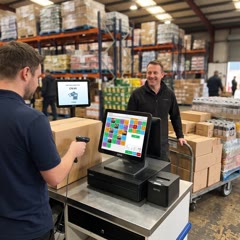 Wholesale4 business types
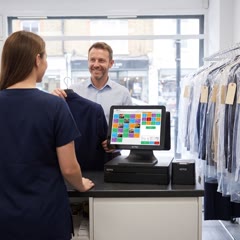 Dry cleaning4 business types
 Pharmacy3 business types
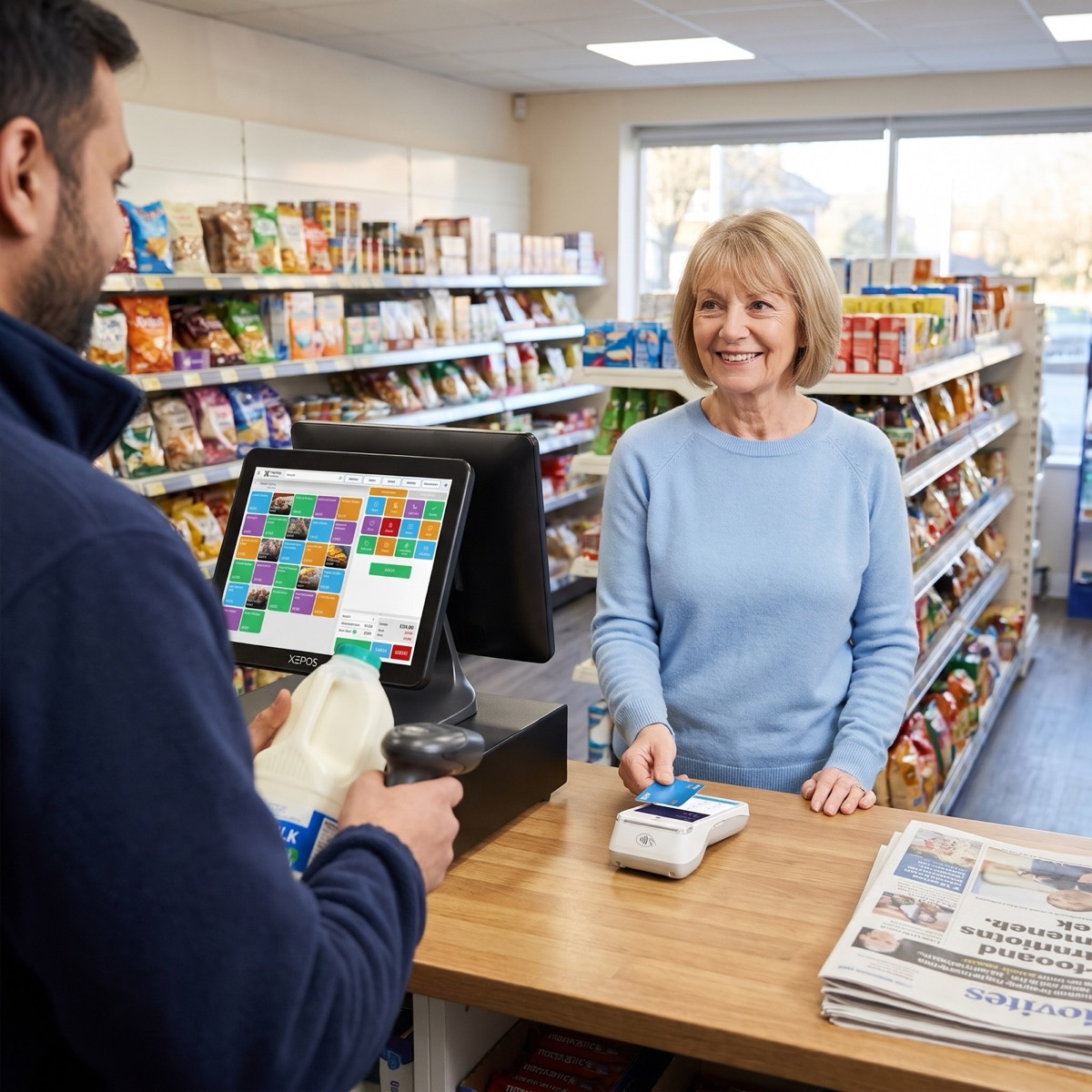 RetailHospitality
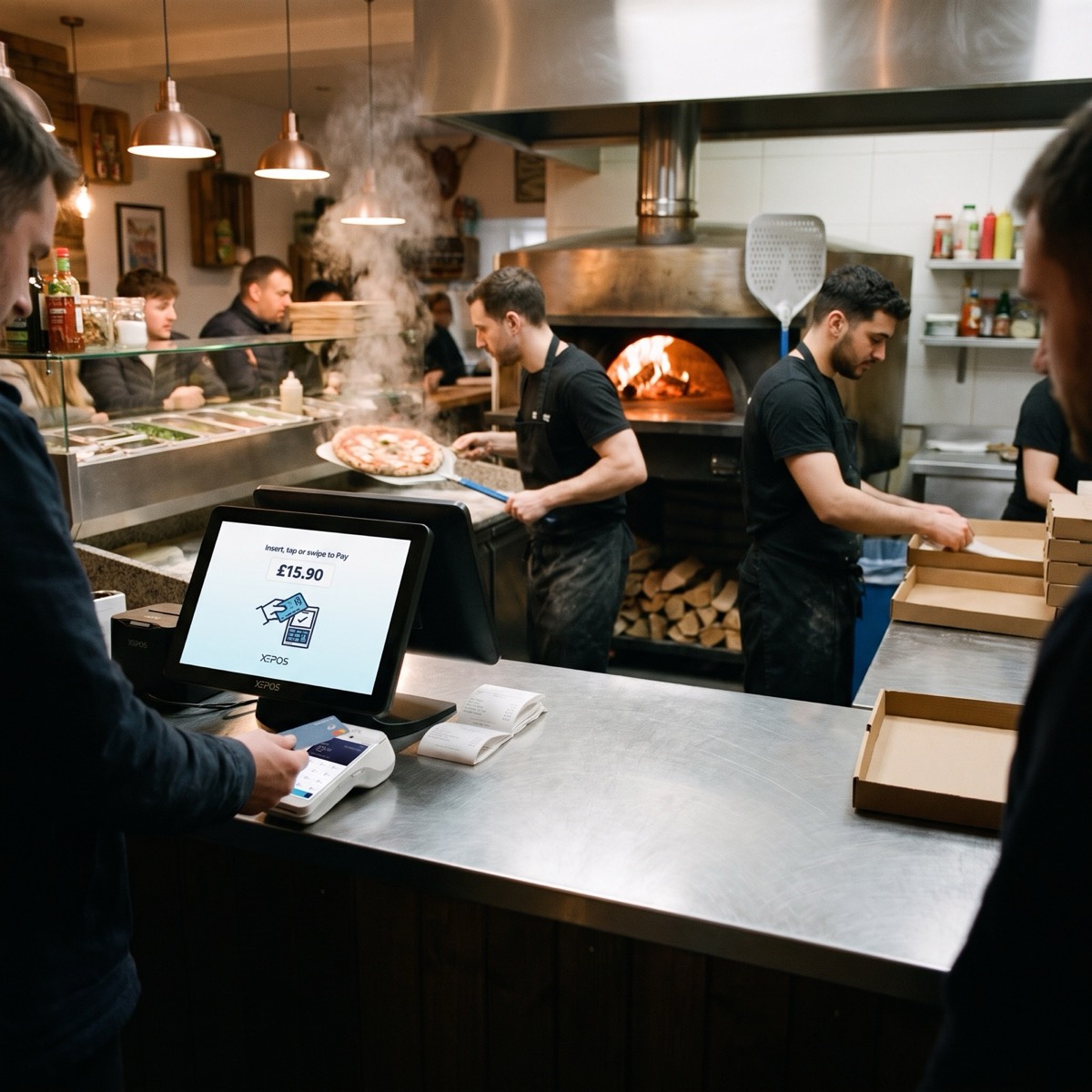 Takeaway
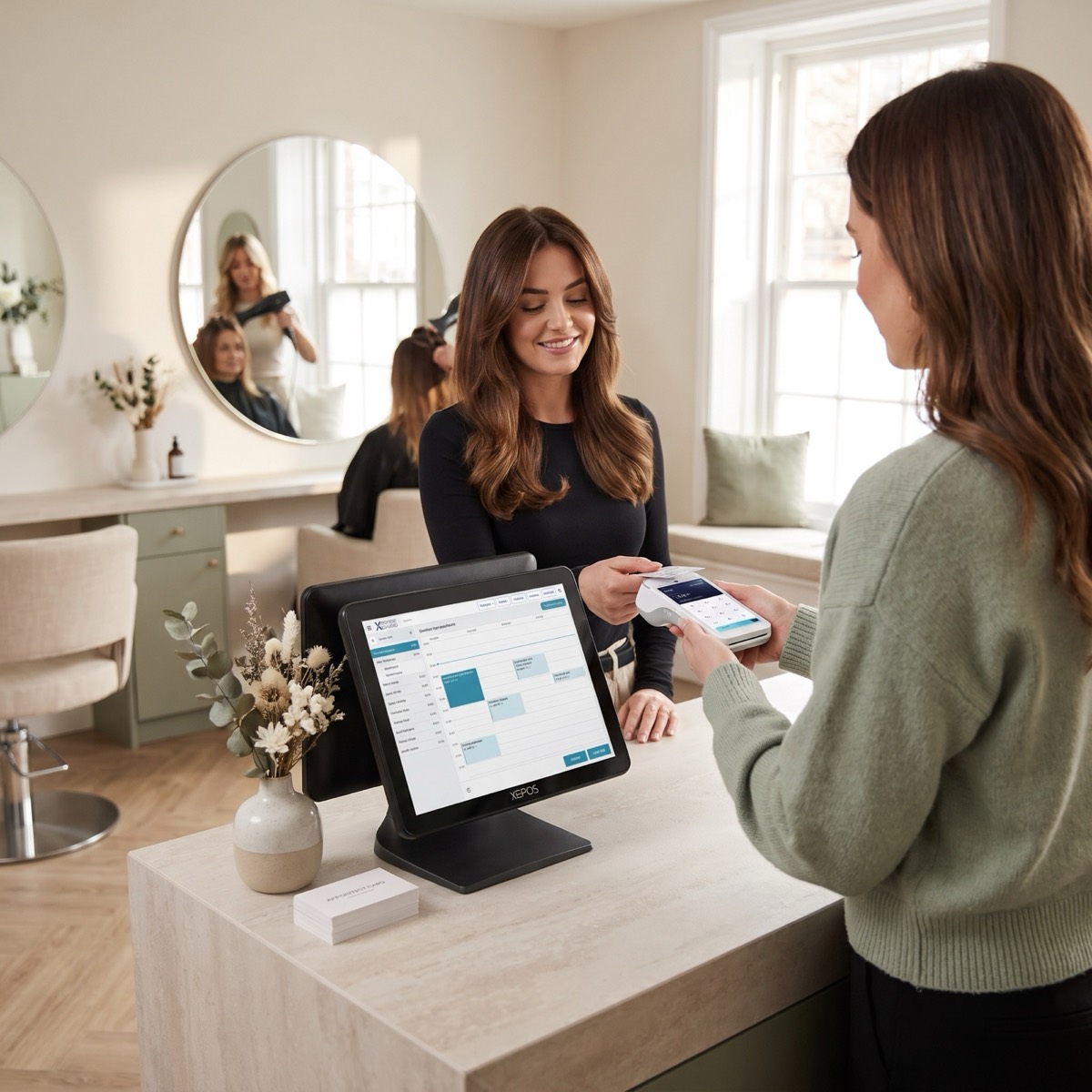 Health and beauty
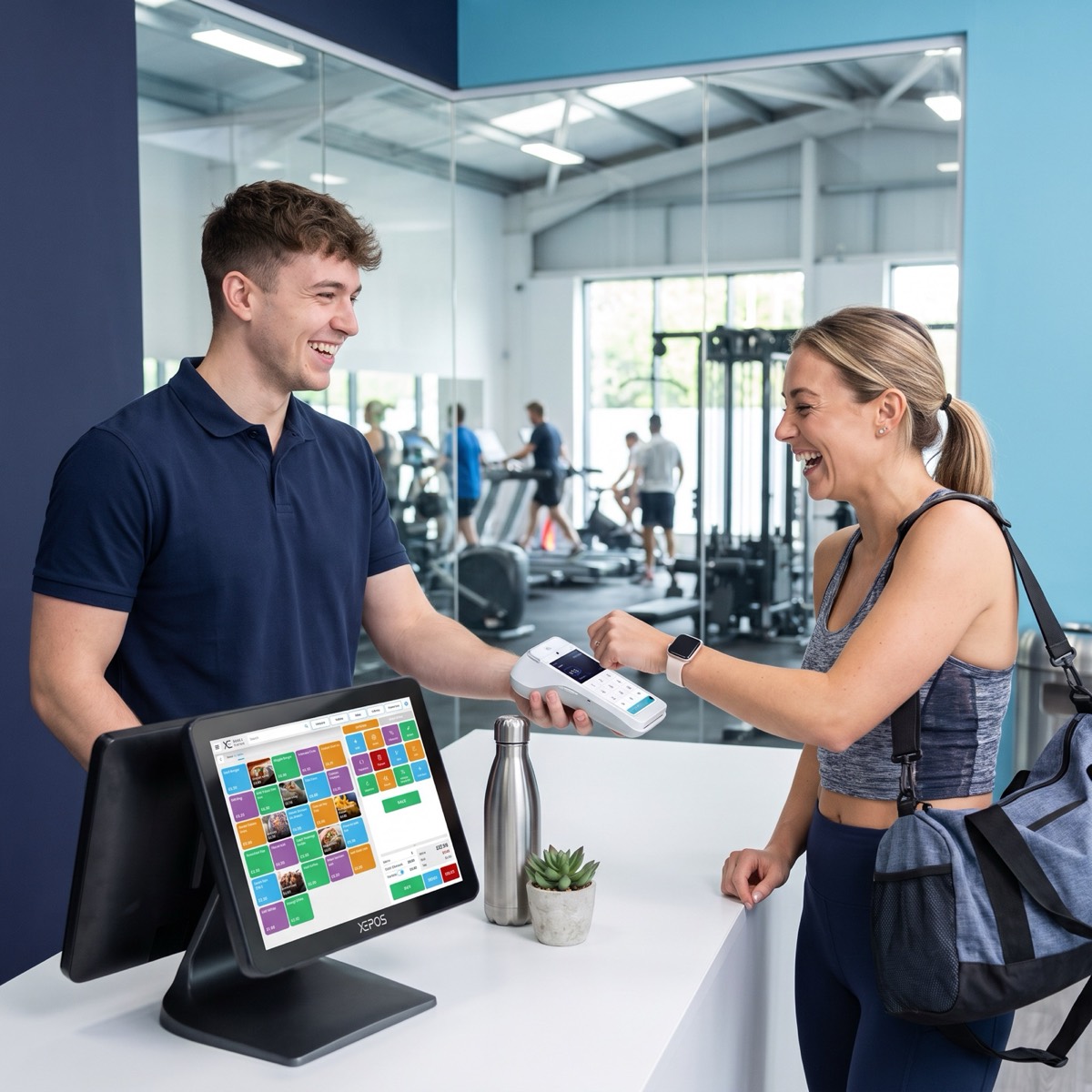 Leisure
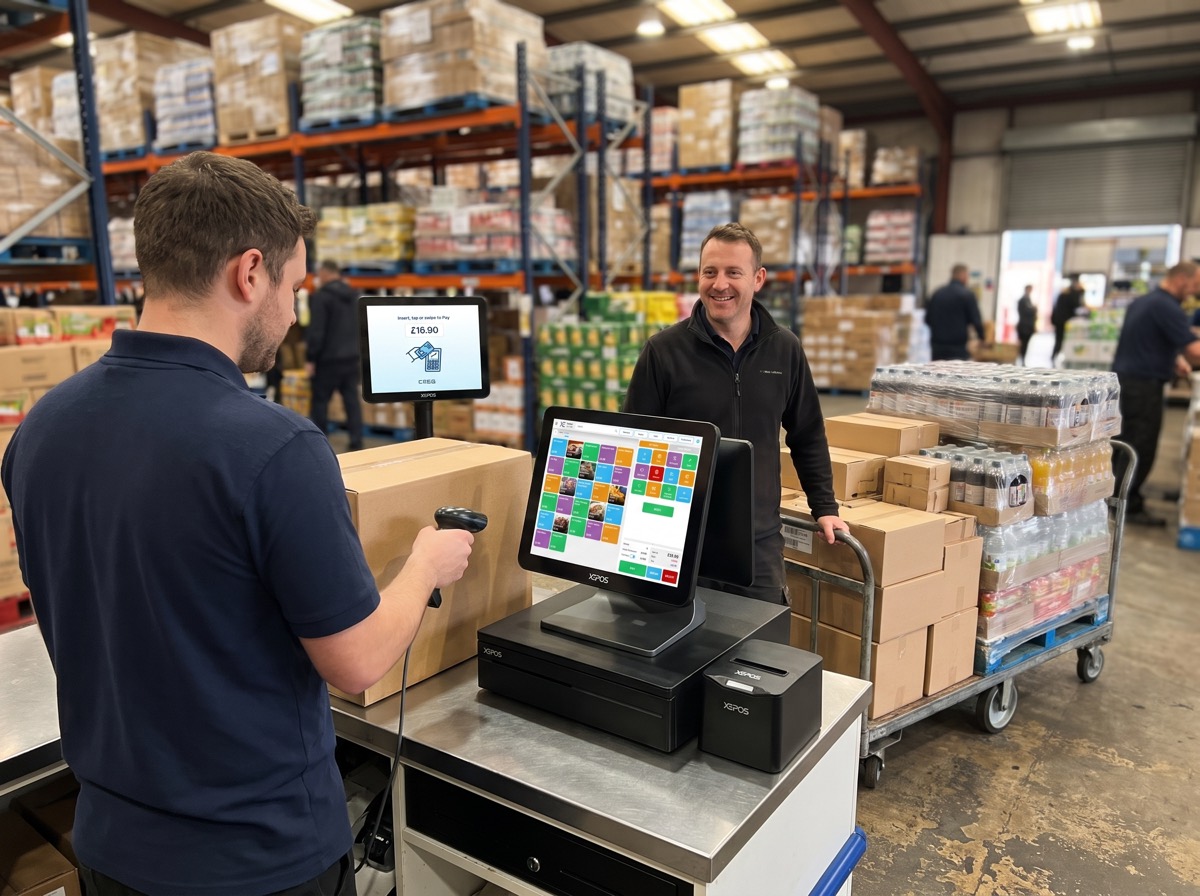 Wholesale
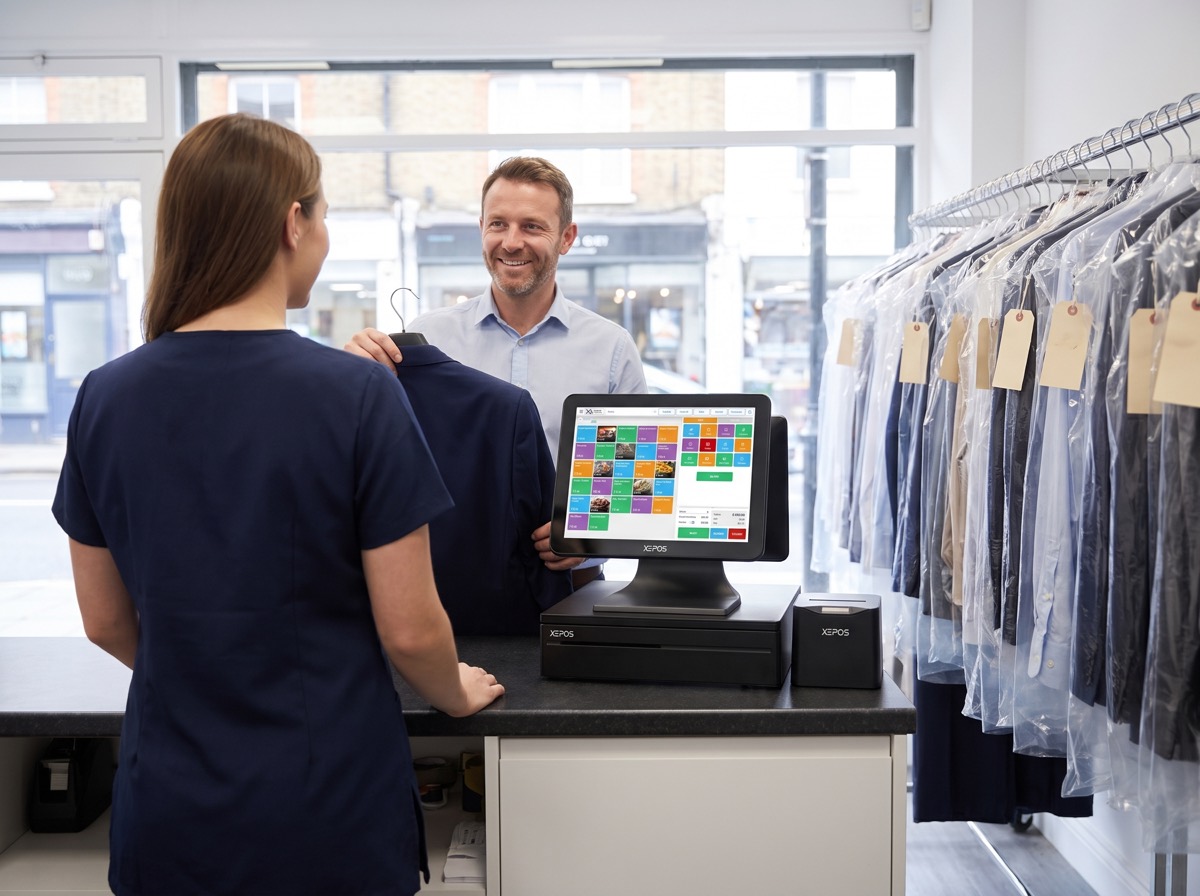 Dry cleaning
51+ business types, and growing. Can't see yours? We probably already work with someone like you.
 New
Not sure what you need?
Staff take orders on a phone or handheld at the table. They go straight to the right kitchen screen and onto the bill, so nothing gets lost on the way.
Priced with your quote. Add it to any Xepos plan.
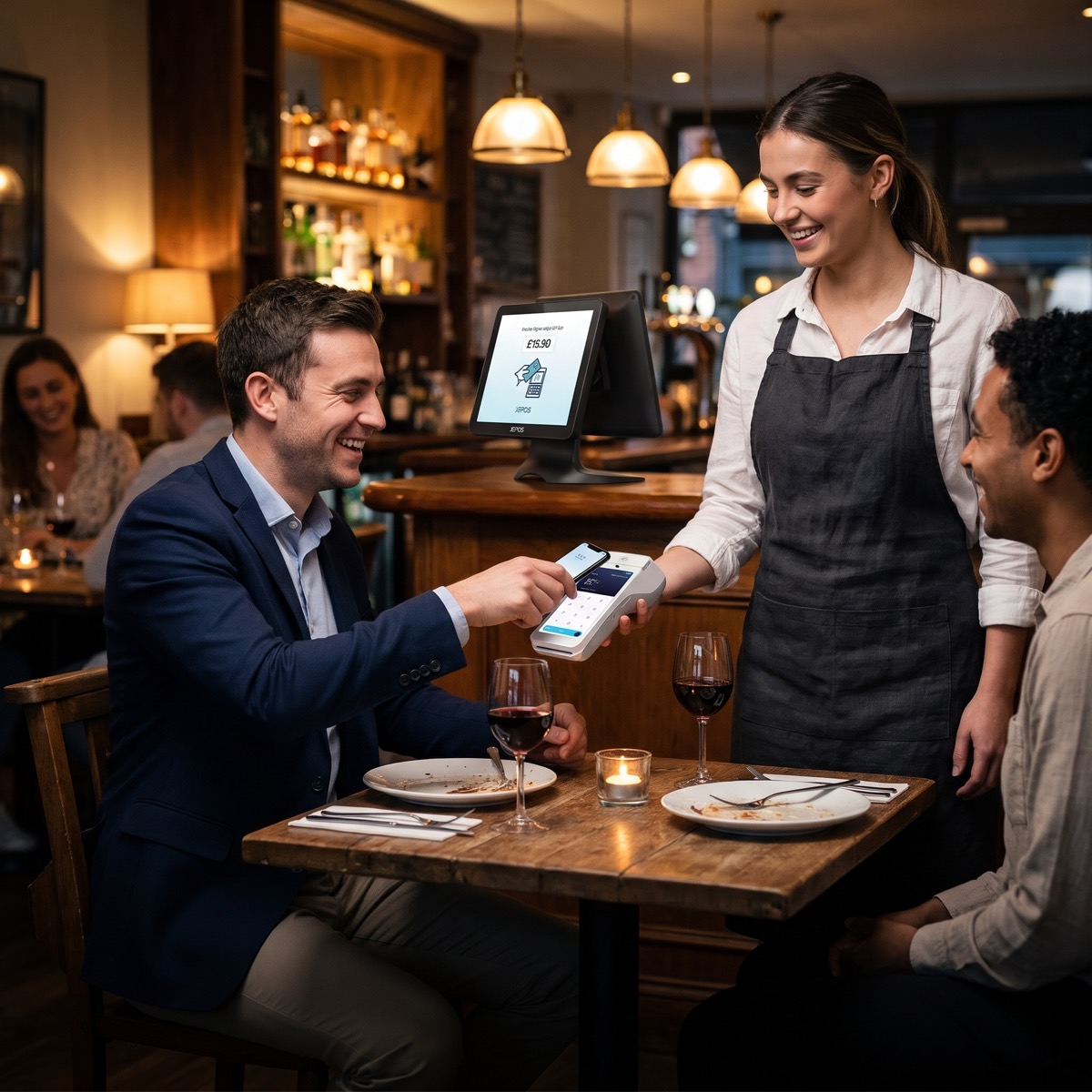
Staff tap in the order where the guest is sitting, with seats, courses, modifiers and allergy notes, then send it in one go.
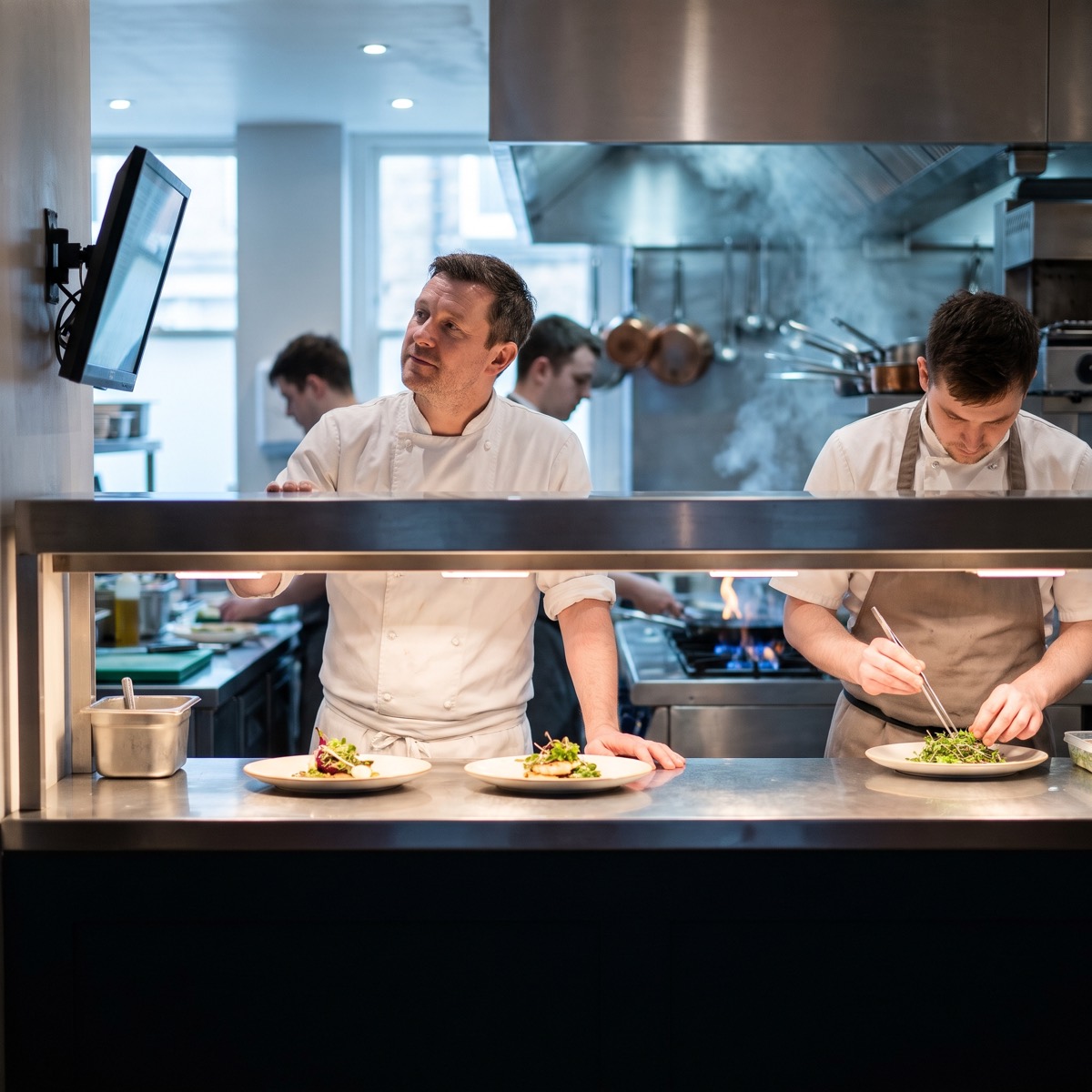
Orders go straight to the kitchen display or printer for each station, with mains held until starters are cleared.
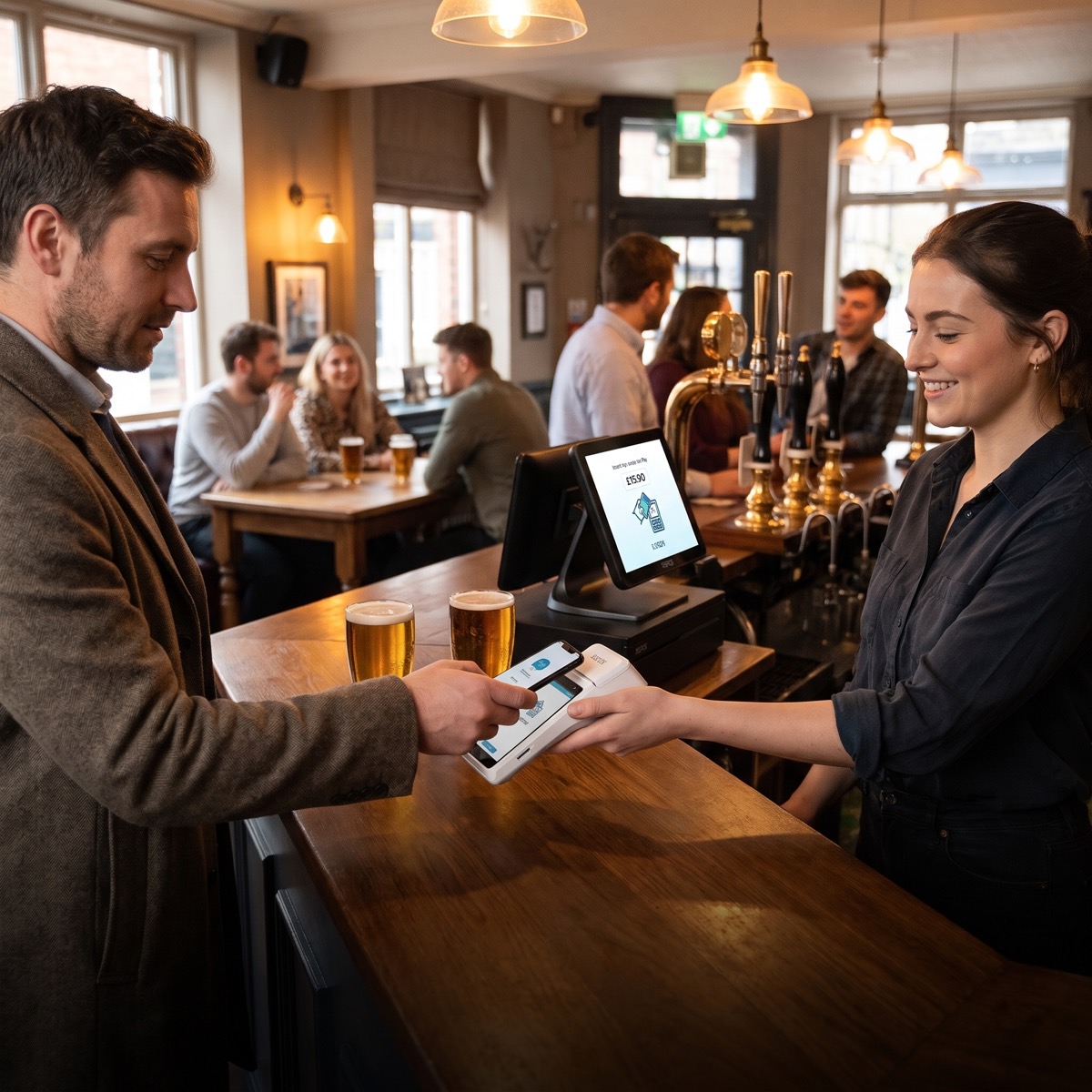
Split the bill, add the tip and take payment at the table on a linked XEPAY terminal.
See every table at a glance.
Flag allergies on every order.
Keep a tab running all night.
Know who took every order.
Orders straight to each station.
See table turns and service times.
Works on staff phones or handhelds.
Keeps taking orders if the internet drops.
Staff phones or handheld devices. We'll recommend the right setup for your floor with your quote.
Yes. Orders go straight to the Xepos kitchen display or kitchen printer for each station.
Yes. Split by item, by seat or evenly, and take each payment at the table.
The waiter app is priced with your quote, based on how many staff and devices you need.
A free 20-minute demo. You'll leave with your exact monthly price.
Or call sales0345 0345 930
UK team online now · replies in minutes
Open 8am to 10pm, seven days a week